Multi-topic tickets create unclear ownership
One conversation can bounce between departments when different issues are trapped in the same ticket.
AI Ticket Split
AI Ticket Split helps agents identify when one Zendesk ticket contains multiple requests, then create the right follow-up ticket with the details, comments, requester, tags, and attachments intact.
Issue A
Refund request
Issue B
Shipping address change
Suggested action
Split into linked tickets
The app explains why the ticket should be split or closed, with the agent making the final call.
The new linked ticket carries selected comments, fields, tags, CCs, requester, assignee, and attachments.
Free
For teams under 50 agents
AI
Split and close recommendations
1 click
Create linked ticket
SOC 2
Security review support
Problem
When several requests live in the same conversation, ownership gets muddy and the team loses a clean view of what actually happened.
One conversation can bounce between departments when different issues are trapped in the same ticket.
Different root causes and handovers make support performance look worse than the work actually was.
Workflow
Agents get a clear recommendation, choose exactly what moves, and create a linked ticket with the right context already attached.
AI scans ticket content and suggests when a split or close action would keep work cleaner.
Agents select comments, requester, assignee, tags, custom fields, CCs, and attachments for the new ticket.
The original ticket keeps a clear comment and the new ticket starts with the right context.
Product walkthrough
Agents see why a ticket should be split, then choose the comments and fields that move into the new linked ticket.

Demo walkthrough
The walkthrough shows the recommendation, the agent’s review step, and the linked ticket that keeps the transferred context intact.

Recommendation UI
The recommendation explains why a split or close action is appropriate while keeping the agent in control.
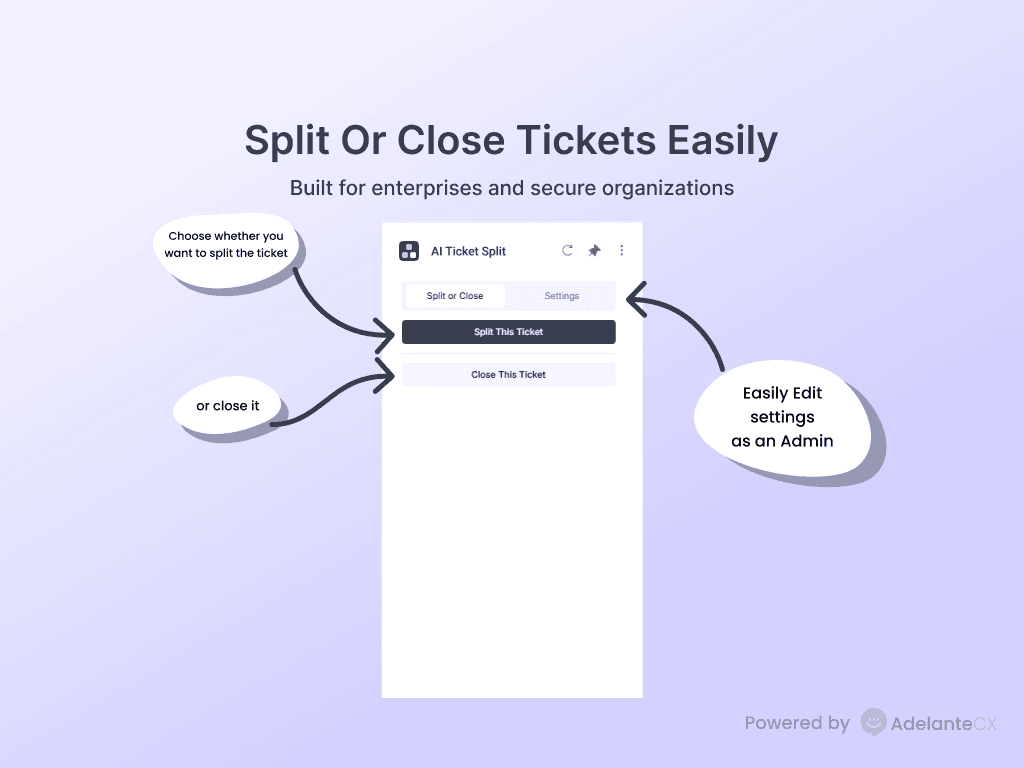
Agents can move selected context into a new ticket or close the current one with a clear explanation.
Controls
AI explains the suggested split or close action, while the agent decides what to move and what to leave on the original ticket.
Give agents a concise reason to split, close, or keep working the current ticket.
Move the right comments and ticket details so the receiving team does not start from scratch.
Linked tickets make each issue easier to route, report, and resolve with a clear owner.
“The workflow keeps ownership clear by turning one overloaded ticket into the right linked follow-up tickets.”
Install through Zendesk Marketplace and keep procurement simple.
SOC 2, ISO 27001, GDPR, and HIPAA documentation is available for review.
Customer content is processed for the workflow and is not used to train models.
Pricing
Start from the marketplace plan, then move to enterprise support when security review, custom terms, or higher-touch support become part of the buying process.
Free plan
For teams under 50 Zendesk agents that want guided ticket splitting.
Enterprise plan
For larger teams that need enterprise security, support, and contracting.
FAQ
Short answers for setup, pricing, security, and control.
Marketplace ready
Start from Zendesk Marketplace, then book a setup call if you want help matching the app to your team’s ticket workflow.